

When you no longer want to track a site in Google Analytic finding the “delete” is sort of tricky and it seems like its hiding. I thought I would share where its located and hopefully save you some time.
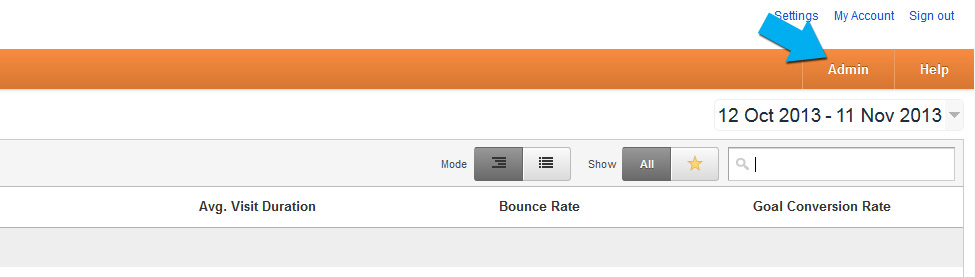
First Login to your Google Analytics account. Click the Admin button
Arriving at the Account Administration. Choose the property you wish to remove.

Click the “View Settings” Link

Brings you to the “Report View Settings” Scroll to the bottom
 Click “Delete View”
You can now clean up your Google Analytics Account.